
For everything you'll do, any day now.
Pick the thing you keep putting off. Doanyday turns it into steps, a date, and a crew of friends who'll actually show up.
Get doanyday
What Doanyday does
A plan, not a list.
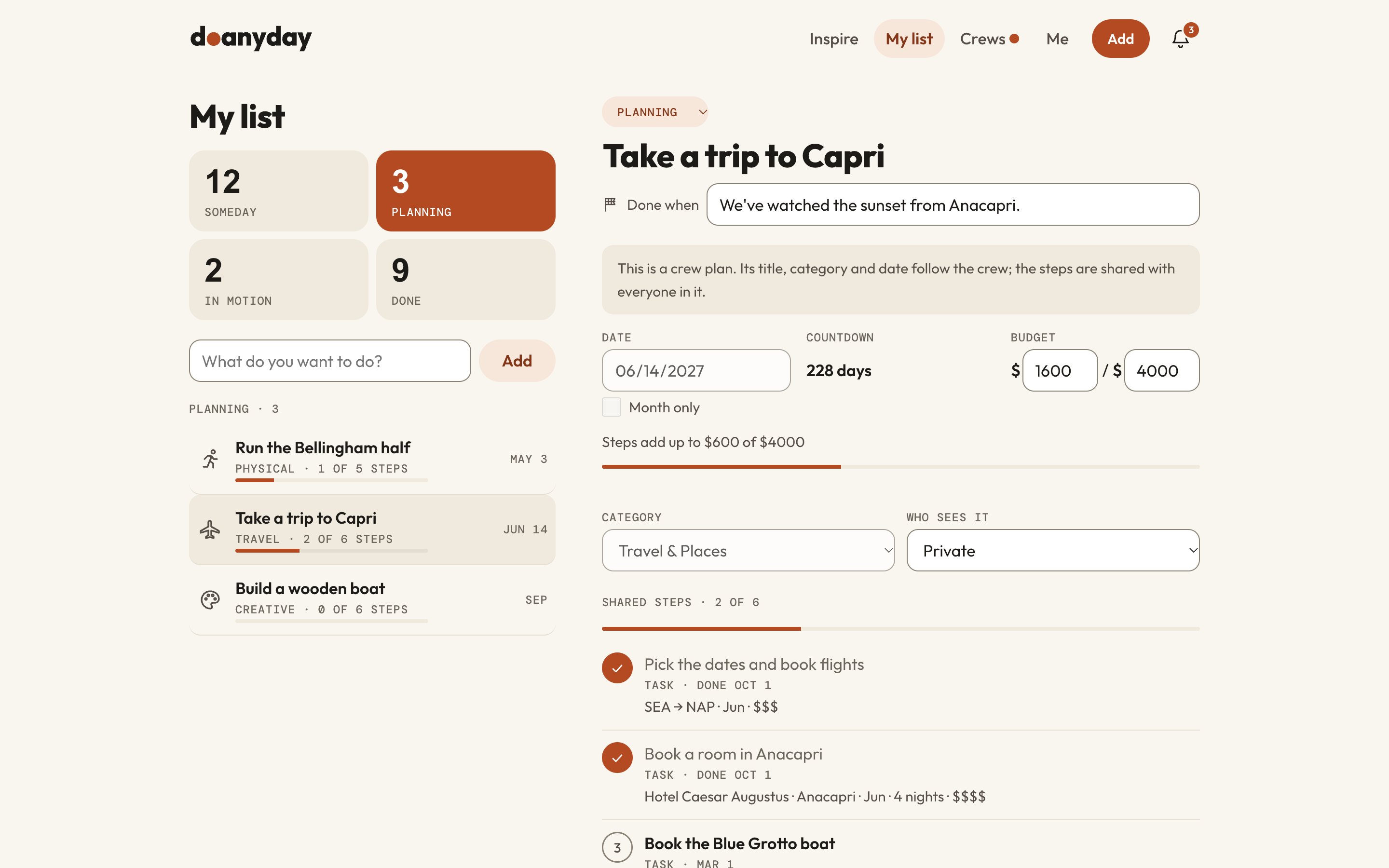
Name it, and get suggested steps you can change. The first step is always obvious.
Bring a crew.
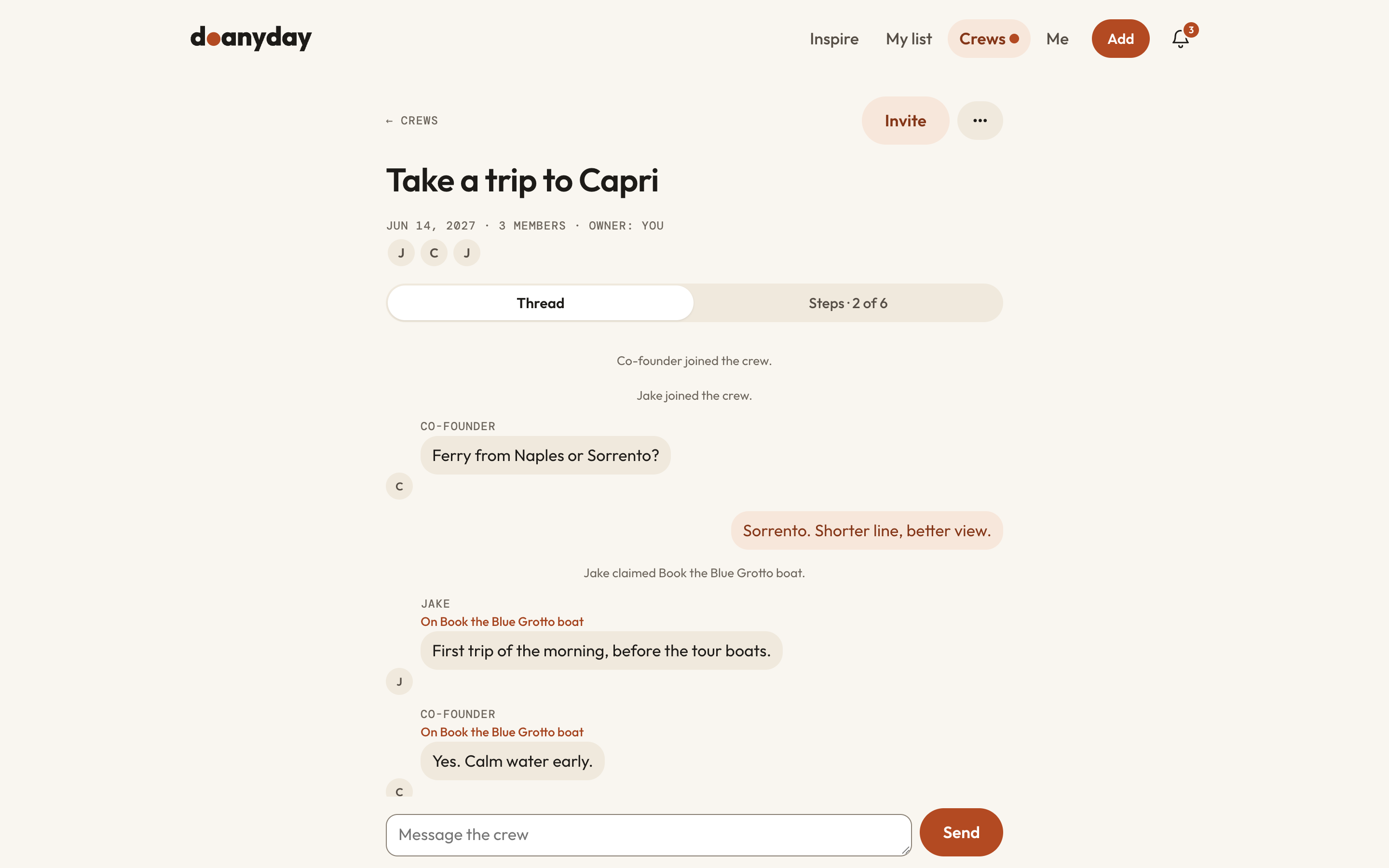
Invite the people who'll show up. Everyone claims a step. No more planning in the group chat.
Done, for real.
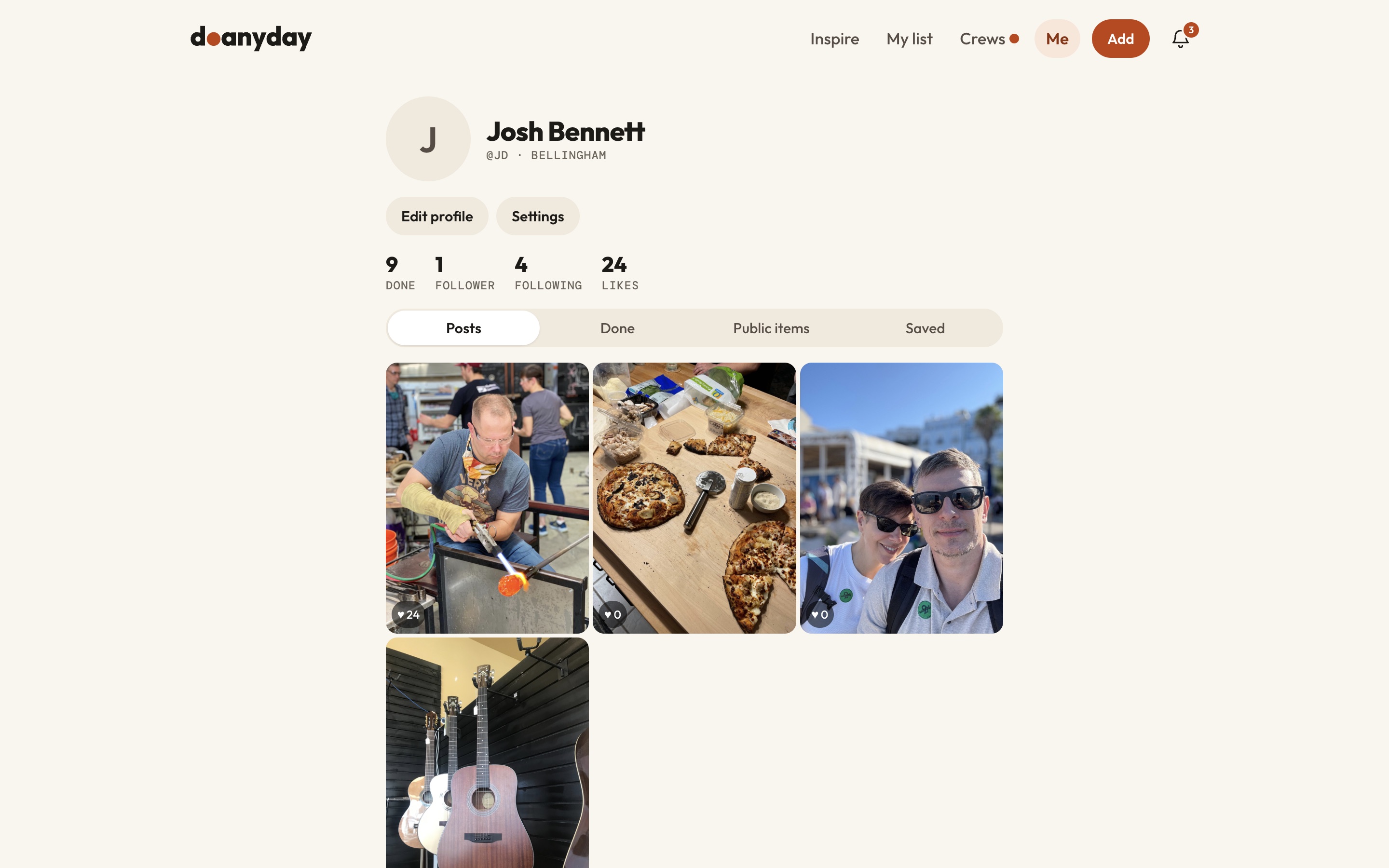
Mark it done with a photo or a few words. Keep it to yourself or share it.
From "one day" to done.
-
Add it
"Learn to throw a pot." "Run a half." "Host a dinner for twelve."
-
Plan it
Steps, a date, a budget if it needs one.
-
Do it
Then mark it done and get on to the next one.
What people are getting round to.
-
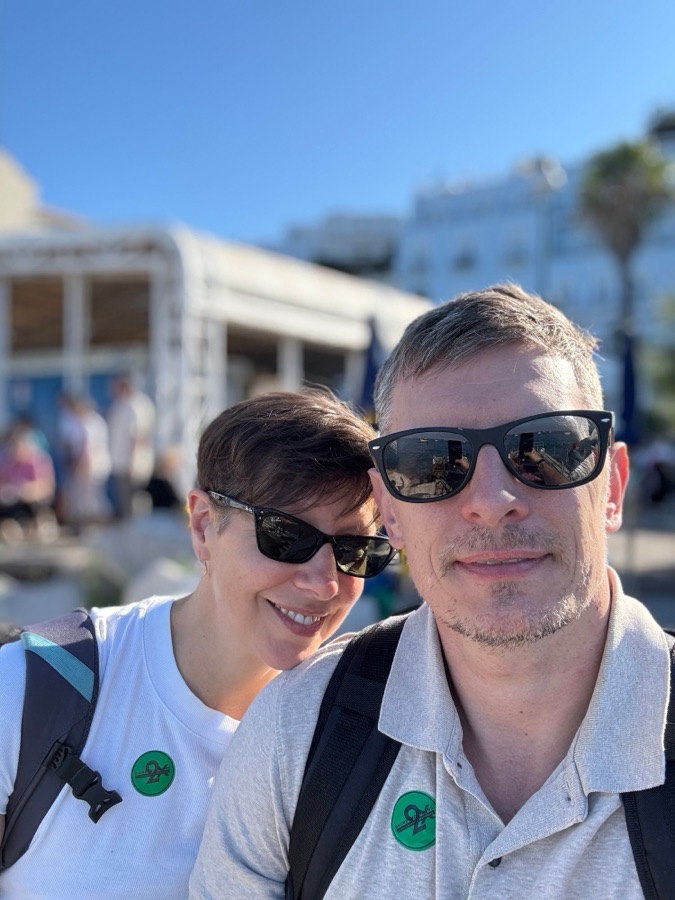 Travel
Take a trip to Capri
-
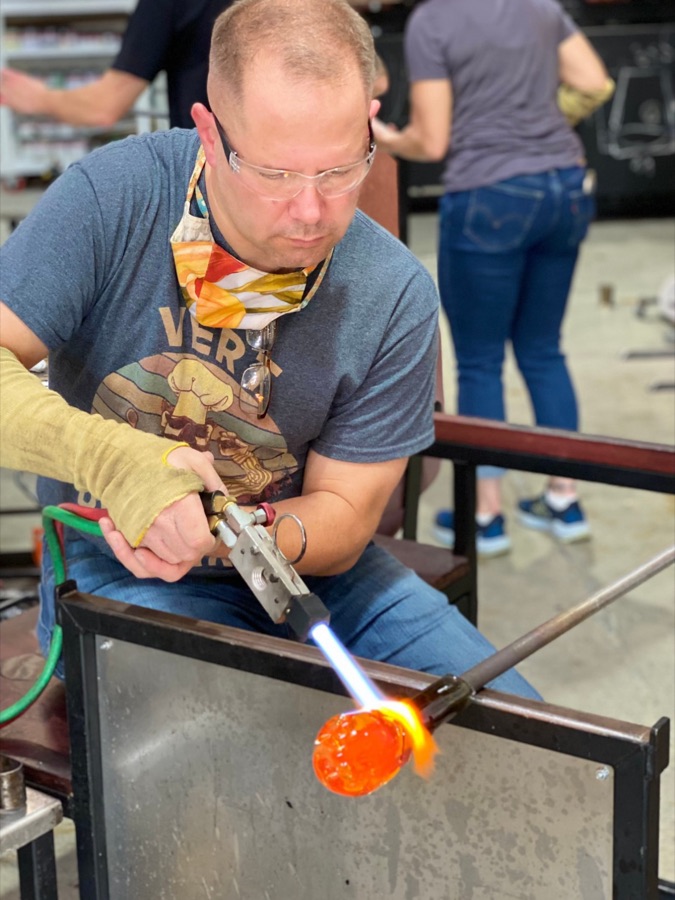 Creative
Learn glass blowing
-
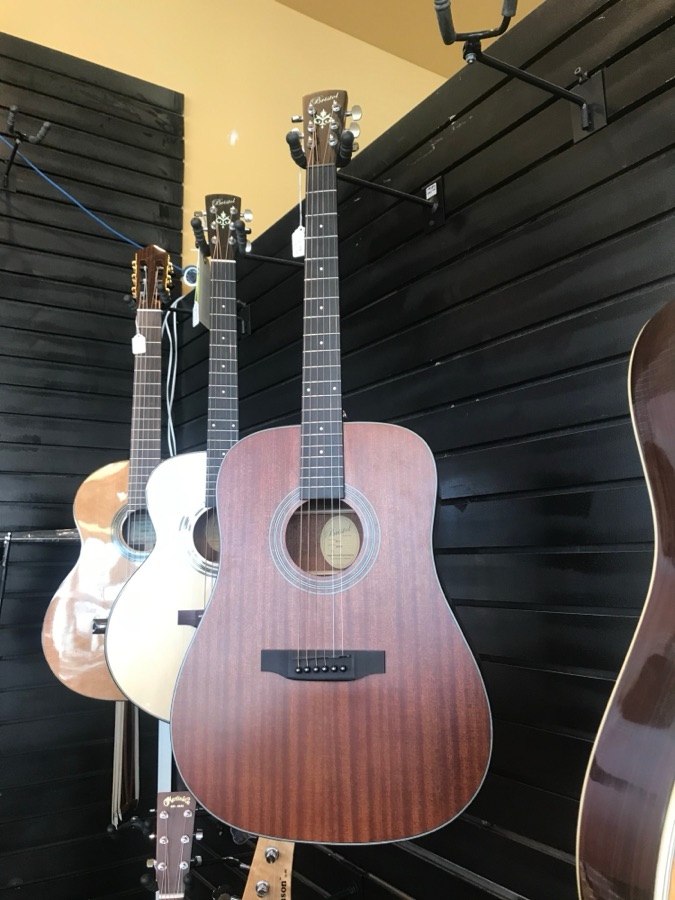 Skills
Learn Blackbird on guitar
-
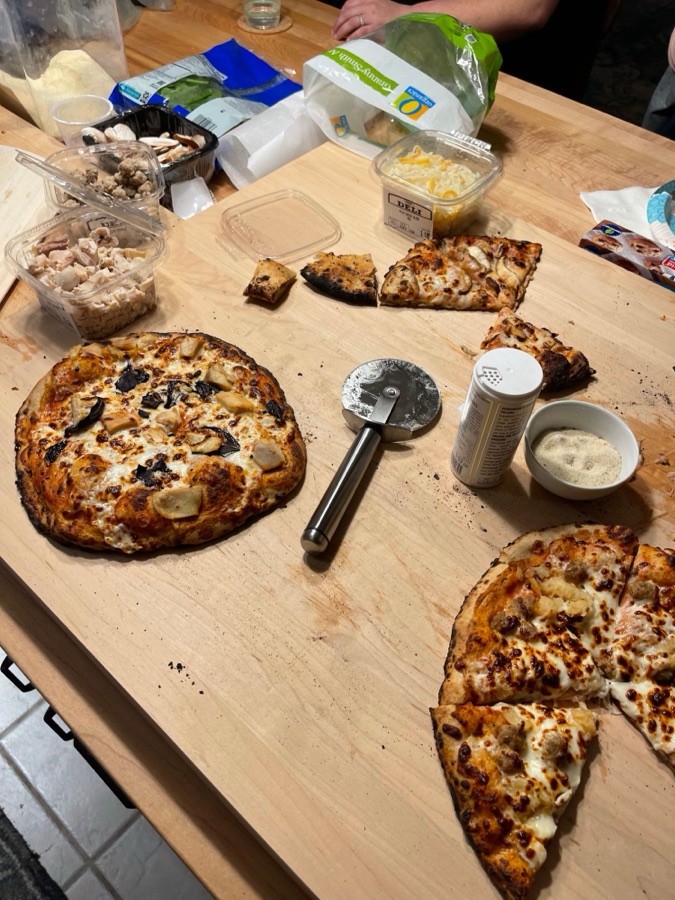 People
Host a pizza night
Ideas from real people. Then it ends.
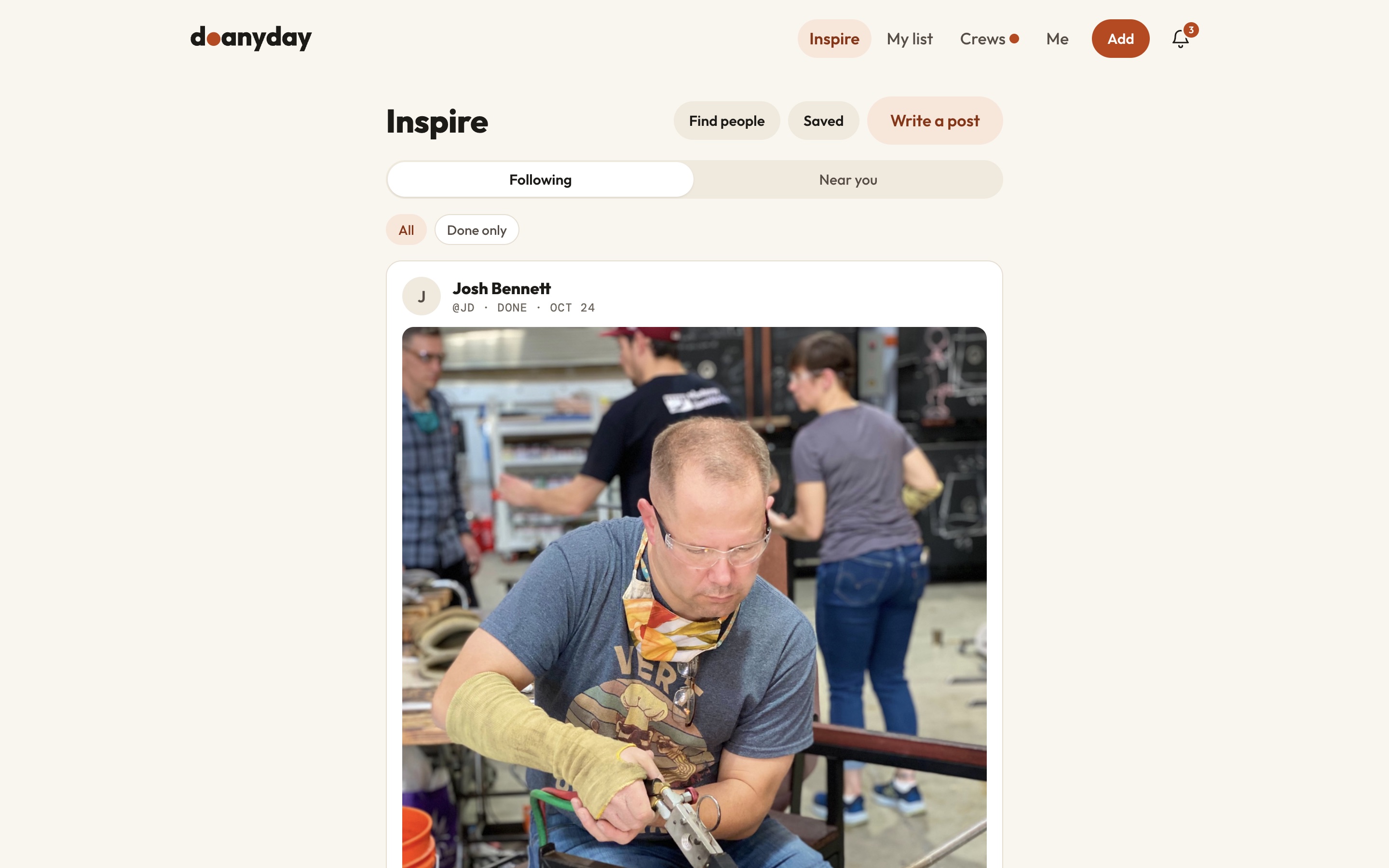
See what people near you actually did, add it to your list in one tap, and reach "You're caught up." No algorithm, no endless scroll. The point is to get off your phone.
-
See what others have done
Done moments from people you follow, or from people near you, newest first.
-
Save the whole plan
"Add to my list" brings the title and photo, plus the steps and itinerary when the author shares them.
-
Make it yours
Change any step, pick your own date, and bring your own crew.


Built for doing, not scrolling.


Your list, on the web too.
Plan on a bigger screen at doanyday.com/app. Same list, same steps, same crew thread as your iPhone.

You got round to it.
When you finish, Doanyday marks the moment with a photo, a date and a place. Post it for friends, keep it for your crew, or keep it to yourself.
Keep it, or share it.
Every item and post has its own setting: just you, your crew, or everyone. You choose each time.
Because "any day now" is how someday starts. Doanyday makes it today.
Questions, answered.
Is it free?
Yes.
Android?
iPhone first. Android is next.
Is there a web version?
Yes. Sign in at doanyday.com/app with your Doanyday account.
Do I need friends on it?
No. It works alone. Crews make it better.
Where are you?
Two people in the Pacific Northwest, building the app we wanted.